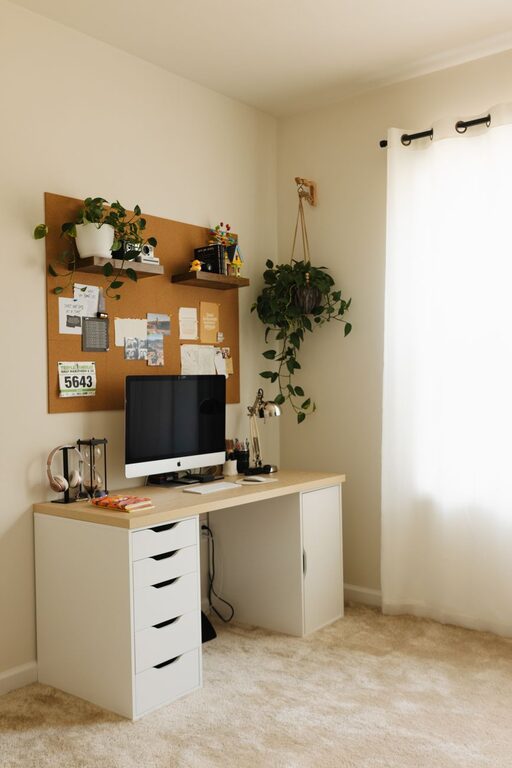
Creating a home office that is both productive and inspiring can make a significant difference in your workday. Whether you’re working remotely full-time or occasionally, the right environment supports focus, creativity, and well-being. Here are some helpful tips to design a home office that helps you work better and feel motivated.
Choose a Dedicated Workspace
Find a Quiet Spot
Select a space in your home where you can work uninterrupted. If you don’t have a separate room, try to designate a corner or alcove that is less trafficked and free from distractions. This helps your brain associate the area with work mode.
Consider Natural Light
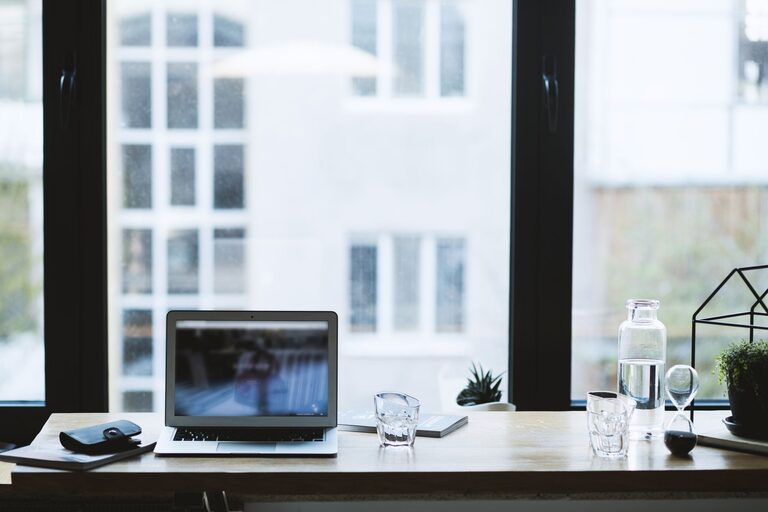
Setting up near a window has multiple benefits: natural light improves mood, reduces eye strain, and helps regulate your sleep cycle. If natural light is limited, invest in full-spectrum bulbs that mimic daylight.
Prioritise Comfort and Ergonomics
Invest in a Good Chair
You’ll spend hours seated, so a comfortable, adjustable chair with proper lumbar support is essential. It reduces back pain and increases concentration.
Position Your Screen Properly
Ensure your monitor is at eye level to avoid neck strain. Use a laptop stand if needed and keep your keyboard and mouse at a comfortable height.
Organise Your Desk Layout
Keep frequently used items within easy reach to avoid unnecessary stretching or distractions. A clean, clutter-free desk helps maintain a clear mind.
Incorporate Personal Touches
Add Inspiring Elements
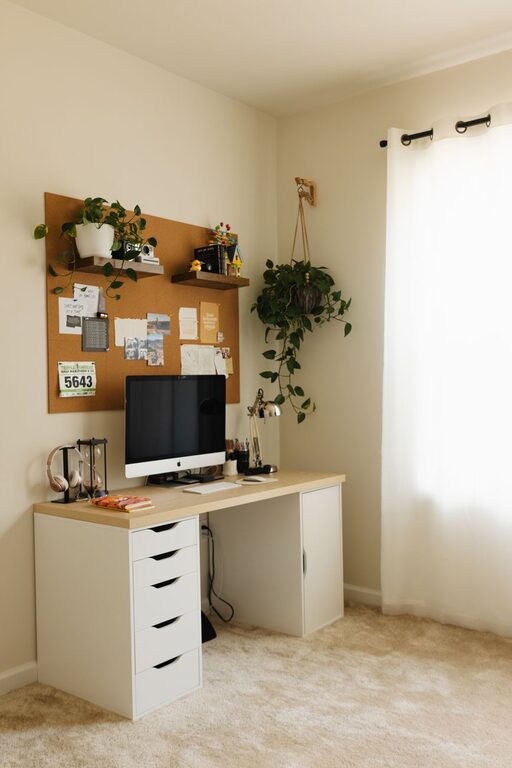
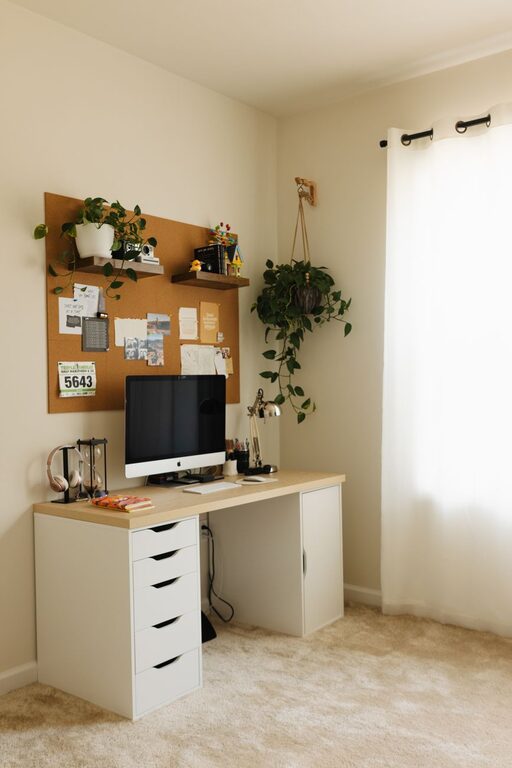
Include photos, artwork, or motivational quotes that uplift your spirits. Plants, for example, bring colour and life, improving air quality and reducing stress.
Use Colours Wisely
Soft, calming colours like blues, greens, or neutrals can encourage focus, while brighter accents such as yellows or oranges inspire creativity. Choose colours that suit your personal taste and boost your mood.
Manage Noise and Distractions
Use Noise-Cancelling Headphones
If you cannot avoid noise from family or neighbours, noise-cancelling headphones or white noise machines can help you concentrate.
Set Boundaries with Others
Communicate your work hours and space boundaries clearly if you share your home. This reduces interruptions and establishes a respectful routine.
Optimise Lighting for Productivity
Layer Your Lighting
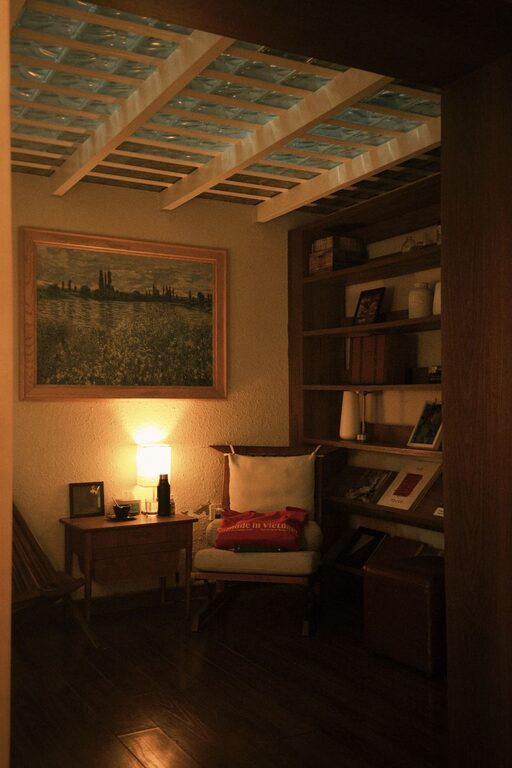
Combine ambient, task, and accent lighting to create a balanced environment. Desk lamps with adjustable brightness can help when working late or when natural light fades.
Avoid Screen Glare
Position your screens to minimise reflections from windows and lights. This reduces eye fatigue and improves visibility.
Organise Efficiently
Use Storage Solutions
Shelving units, drawers and organisers help keep paperwork and supplies tidy. Label containers for easy access and reduce clutter.
Digital Declutter
Keep your computer desktop organised with folders and remove unnecessary files regularly. A streamlined digital workspace improves focus.
Plan Your Workflow and Breaks
Create a Routine
Set consistent start and finish times to establish rhythm. Use to-do lists or planners to prioritise tasks and track progress.
Take Regular Breaks
Short breaks every hour can reduce fatigue and maintain focus. Stand up, stretch or walk briefly to refresh your body and mind.
Embrace Technology to Enhance Productivity
Use Productivity Apps
Tools like calendars, timers and project management apps help keep you organised and on track.
Ensure Reliable Internet
A strong and stable internet connection is essential for remote work. Consider upgrading your plan or using a wired connection if possible.
Final Thoughts
Designing a home office tailored to your needs promotes not only efficiency but also enjoyment in your work. By combining comfort, organisation, and creative touches, you can create a space that energises and inspires you every day. Remember, small changes can have a big impact, so start with what feels manageable and build your perfect workplace over time.